News
IGN: GTA 6 Has a Photo Mode at Launch, With Camera, Lighting and Filters
IGN reports GTA 6 has a photo mode at launch, opened from the pause menu, with camera, lighting and filter tools. We haven't seen Rockstar describe it yet.
Unconfirmed
Reported by IGN. Rockstar hasn't confirmed this yet.
Summary
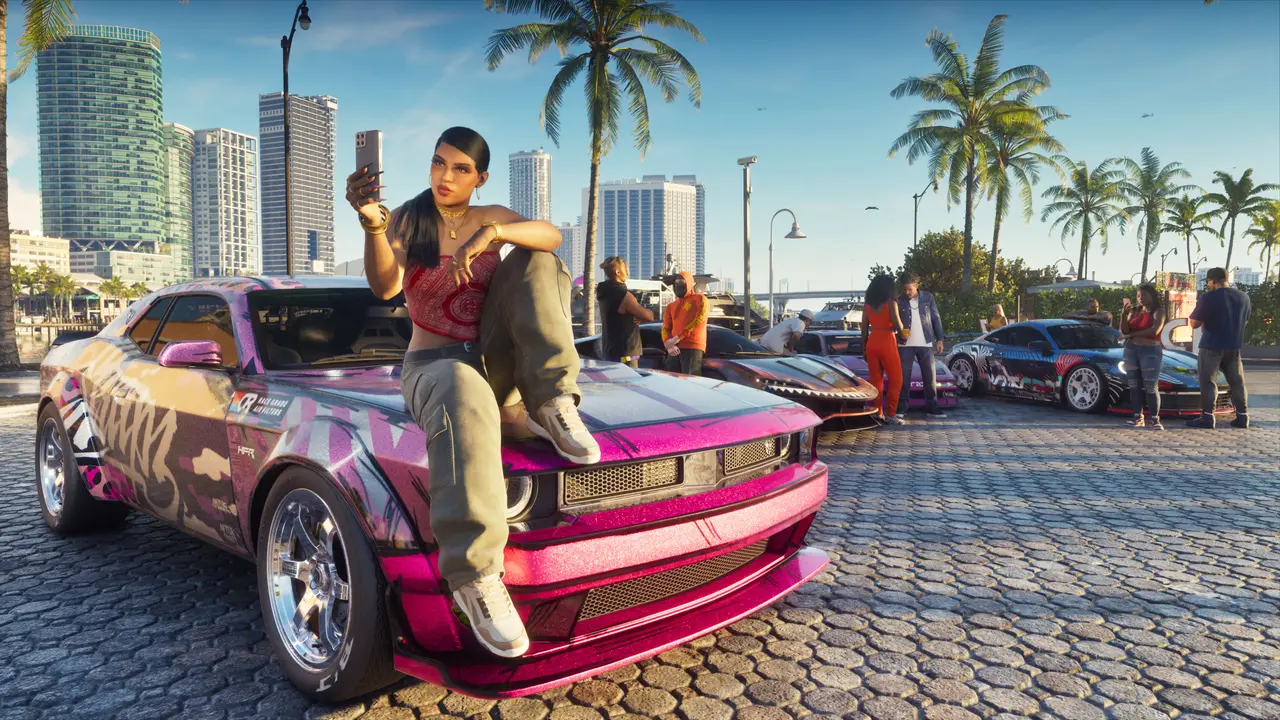
Grand Theft Auto VI has a photo mode from day one, according to IGN. Senior Editor Simon Cardy, who played the game ahead of launch, writes that Rockstar "has included a full-fledged photo mode at launch" (IGN (opens in a new tab)). IGN's headline calls it "confirmed," but that's IGN's report from playing the game. We haven't seen Rockstar describe a GTA VI photo mode on its own channels.
What IGN says it includes
- How to open it: pause the game and press Square on PS5 or X on Xbox to reach the photo studio (IGN (opens in a new tab)).
- Camera: aspect ratios, aperture and depth of field (IGN).
- Lighting: spotlights, floodlights and softboxes you can place in a scene (IGN).
- Post-processing: a range of filters and other tools (IGN).
- Not at launch: IGN says you can't reposition Jason and Lucia into new poses or change their facial expressions, and hopes Rockstar adds that in a future update (IGN).
- Verdict: IGN calls the tools a "relatively impressive suite" and the mode "largely impressive."
What it means for players
If you want to capture Vice City, the photo studio should be a pause-menu press away once the game unlocks for you. Button names and tools are IGN's description of the game it played, so expect details to differ if Rockstar changes anything at launch.